
Set up
Select a microphone and import its calibration file if you have one. Choose linked or independent left/right EQ.
Life EQ is a system-wide parametric equalizer and speaker calibration app for Mac. Use microphone measurements to calculate correction for your speakers and room, or adjust the parametric filters manually.
Coming to the Mac App Store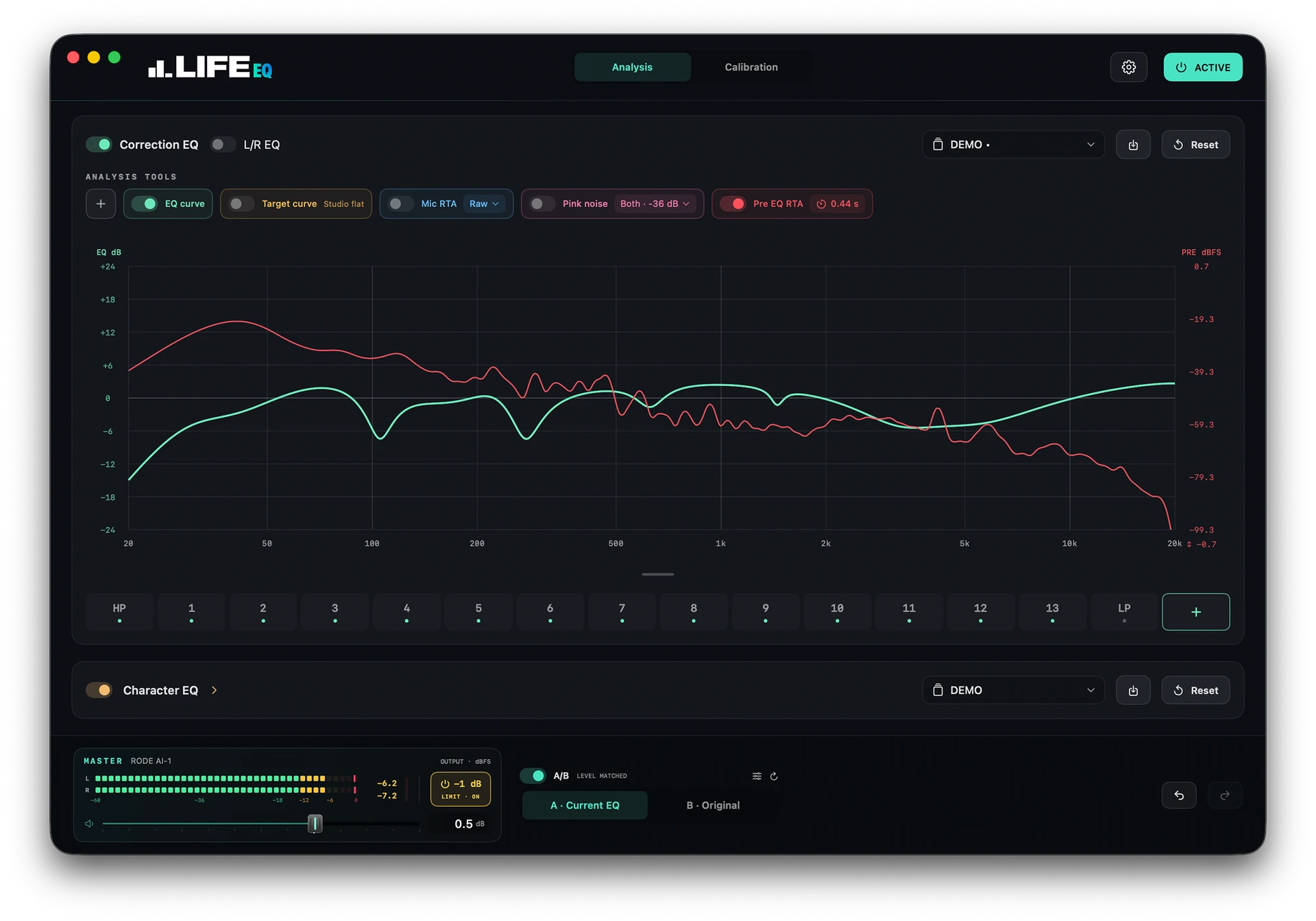
Apply EQ to your Mac’s stereo audio output.
Measure at one or three positions, with optional microphone calibration files.
Set separate filters for each speaker or link them.
Match left/right timing and levels.
Up to 32 bands per channel, plus high-pass and low-pass filters.
Three-band EQ, separate from speaker correction.
Choose a target curve and the frequencies to correct.
View microphone and input spectra. Test with pink noise.
Compare original audio, current EQ or presets.
Save and export sessions. Load EQ presets automatically for each output.
Stereo level meters and a volume fader with up to +12 dB of gain.
Optional peak limiting after master gain.
Audio processing and measurements stay on your Mac.
Measure at your listening position, choose a target response and apply the calculated EQ.
Select a microphone and import its calibration file if you have one. Choose linked or independent left/right EQ.
Run the speaker test at your listening position, or at three nearby positions.
Choose the target and frequency range, review the predicted response and apply the EQ. Measure again to verify the result if needed.
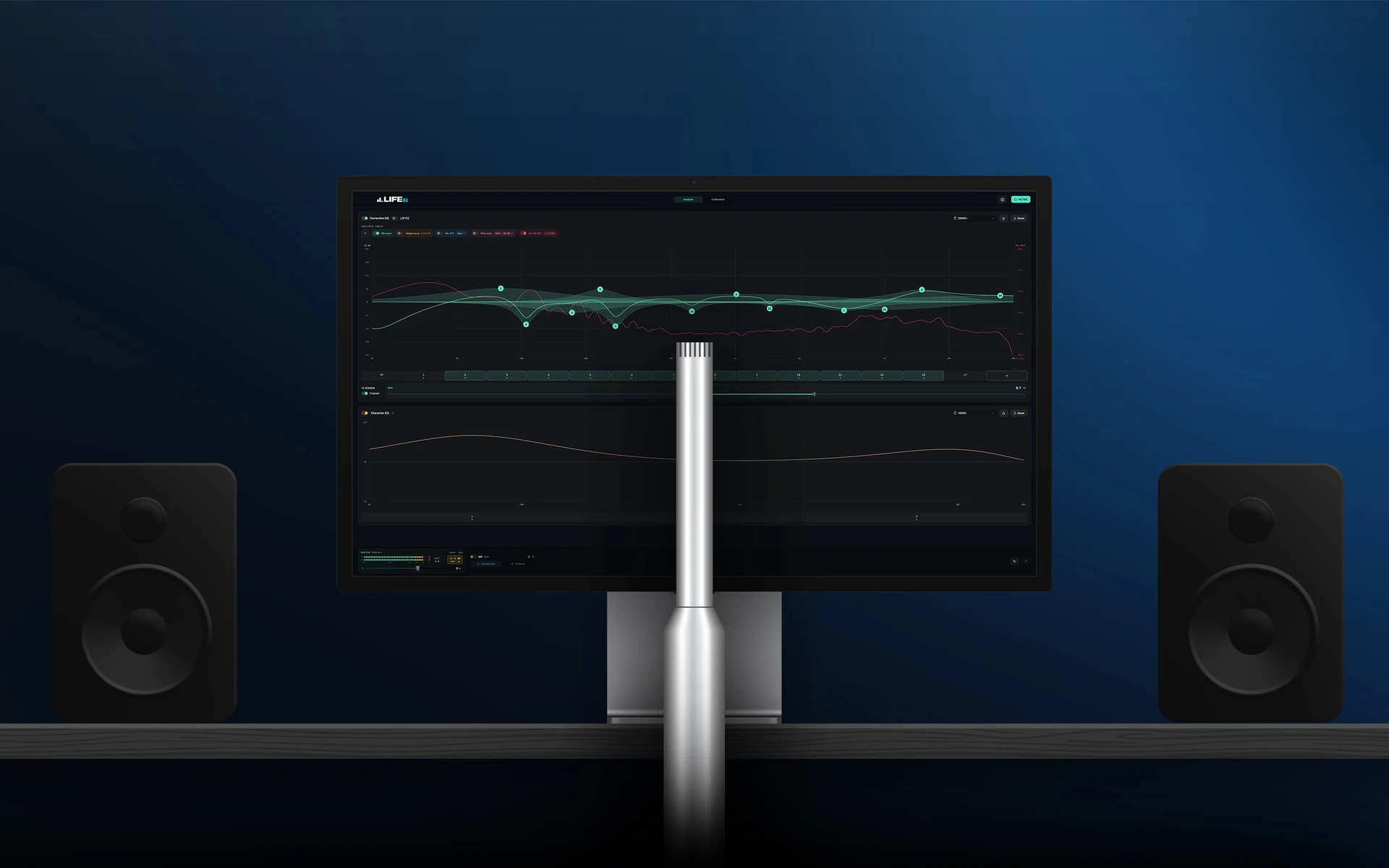
Start with your Mac’s built-in microphone or an iPhone connected as a microphone input. A calibrated measurement mic gives more accurate results. Manual EQ needs no microphone.
Switch between Before EQ and After EQ to see how correction can bring the response closer to a target curve.
This is a simulated example. EQ cannot reliably correct deep cancellations caused by the room.
An Apple silicon Mac running macOS 14.2 or later. Manual EQ works without a microphone. For speaker calibration, you can start with your Mac’s built-in microphone or a connected iPhone microphone.
No. You can use your Mac’s built-in mic or your iPhone through Continuity Camera. Once the iPhone appears as a microphone input on your Mac, select it in Life EQ. A microphone calibration file is optional.
A measurement mic with a matching calibration file gives more accurate results. Built-in and phone microphones can affect the measured response, so the EQ may also compensate for the microphone.
Life EQ applies EQ to system audio played through your Mac’s selected stereo output. Apps using a separate audio output and protected content may not be captured. Multichannel and surround output are not supported.
No. EQ adjusts frequency balance at the listening position. Deep cancellations and long bass decay may need changes to speaker placement or acoustic treatment. Life EQ avoids boosting deep cancellations during calibration.
No. Audio processing and measurements stay on your Mac. The app does not upload recordings. Read the privacy policy.
Life EQ will be available exclusively on the Mac App Store. Apple will handle installation, purchases and updates. Release date and pricing have not been announced.

Coming to the Mac App Store