
Enable audio processing
Choose your stereo output in macOS Sound settings. Open Life EQ, switch STANDBY to ACTIVE and allow system-audio access when prompted. Play audio from your usual app. You can start using manual EQ right away.
Set up audio processing, measure your speakers and save a correction preset.
Choose your stereo output in macOS Sound settings. Open Life EQ, switch STANDBY to ACTIVE and allow system-audio access when prompted. Play audio from your usual app. You can start using manual EQ right away.
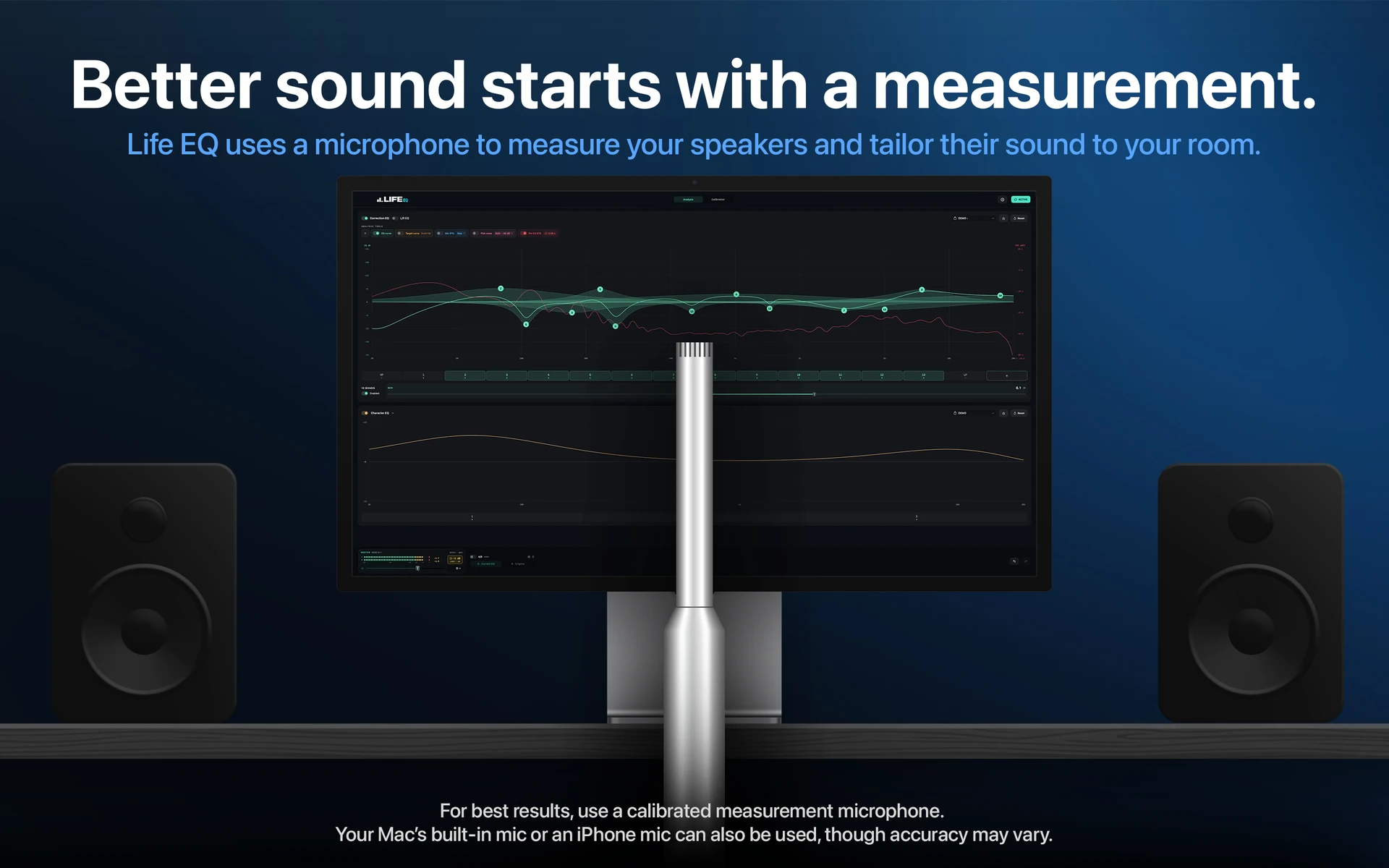
Open Calibration → Setup and select the microphone and input channel. Import the response file for your microphone, if available. Place it at ear height where you normally listen, then use Check microphone level. Keep the speaker volume comfortable and avoid clipping.
Choose linked EQ for a common correction, or L/R EQ for independent speaker correction. Measure at the centre listening position, or at the centre and 20 cm to either side. The app plays logarithmic sweeps through the speakers. Keep the room quiet, the microphone still and your input/output levels unchanged.
Select a target response and the frequency range to correct. Use cuts only or allow limited boost. Review the predicted result; deep dips and unreliable regions are protected from boost.
Apply the correction. You can also run verification measurements at the original microphone positions. Save a correction preset and use level-matched A/B to compare it with the original audio. Character EQ lets you adjust tonal balance separately.
Troubleshoot microphone files, permissions and calibration.